
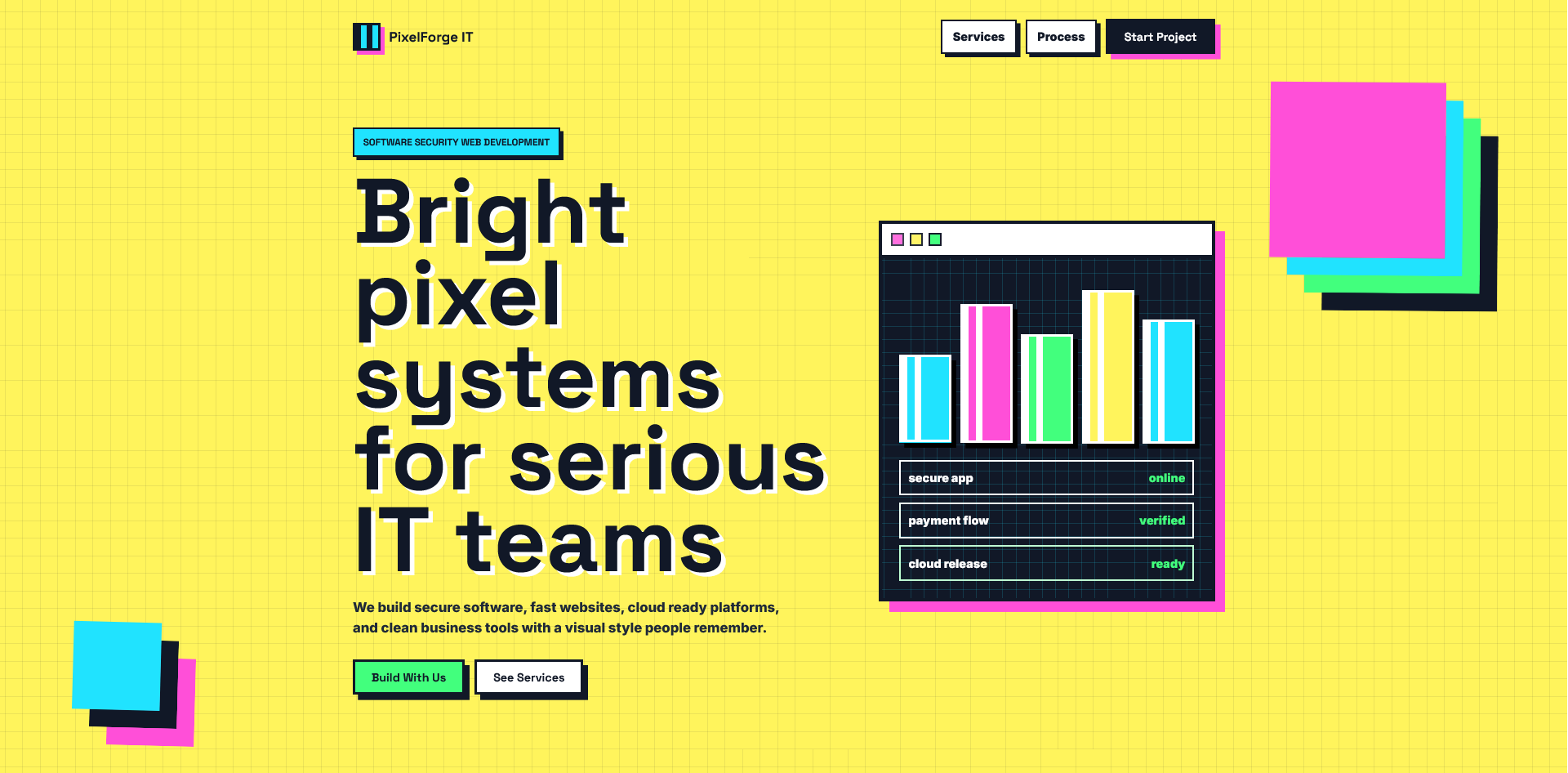
PixelForge IT Landing Page
PixelForge IT is a bright, modern landing page template for software companies, IT service providers, SaaS teams, freelancers, and digital agencies. It comes with a bold pixel inspired design, smooth section reveals, service blocks, process steps, FAQ area, contact form layout, policy modals, and a rocket style back to top button.
You can use it as a company homepage, service landing page, product demo page, portfolio showcase, or client starter template. The design is easy to customize with your own brand name, services, colors, contact details, and policy text.
Stack Used
- Vite
- JavaScript
- HTML
- CSS
- Tailwind CSS
- Google Fonts
How To Use
- Download and extract the product files.
- Open the project folder in your code editor.
- Run
npm installto install the required packages. - Run
npm run devto preview the site locally. - Run
npm run buildto create the production files. - Upload the contents of the
distfolder to your hosting server.
Deployment Path
For a root domain or subdomain like example.com or demos.example.com, use this in vite.config.js:
base: '/',For a folder based install like example.com/demo/, use:
base: '/demo/',After changing the base path, run npm run build again and upload the new contents from the dist folder.
Customization
- Edit text, services, FAQ, footer links, and policy modal content in
src/main.js. - Edit colors, spacing, layout, and animations in
src/styles.css. - Replace the favicon inside the
publicfolder if needed.
Important Note
Do not upload node_modules to your server. It is only used locally while editing and building the project.